Software & hardware
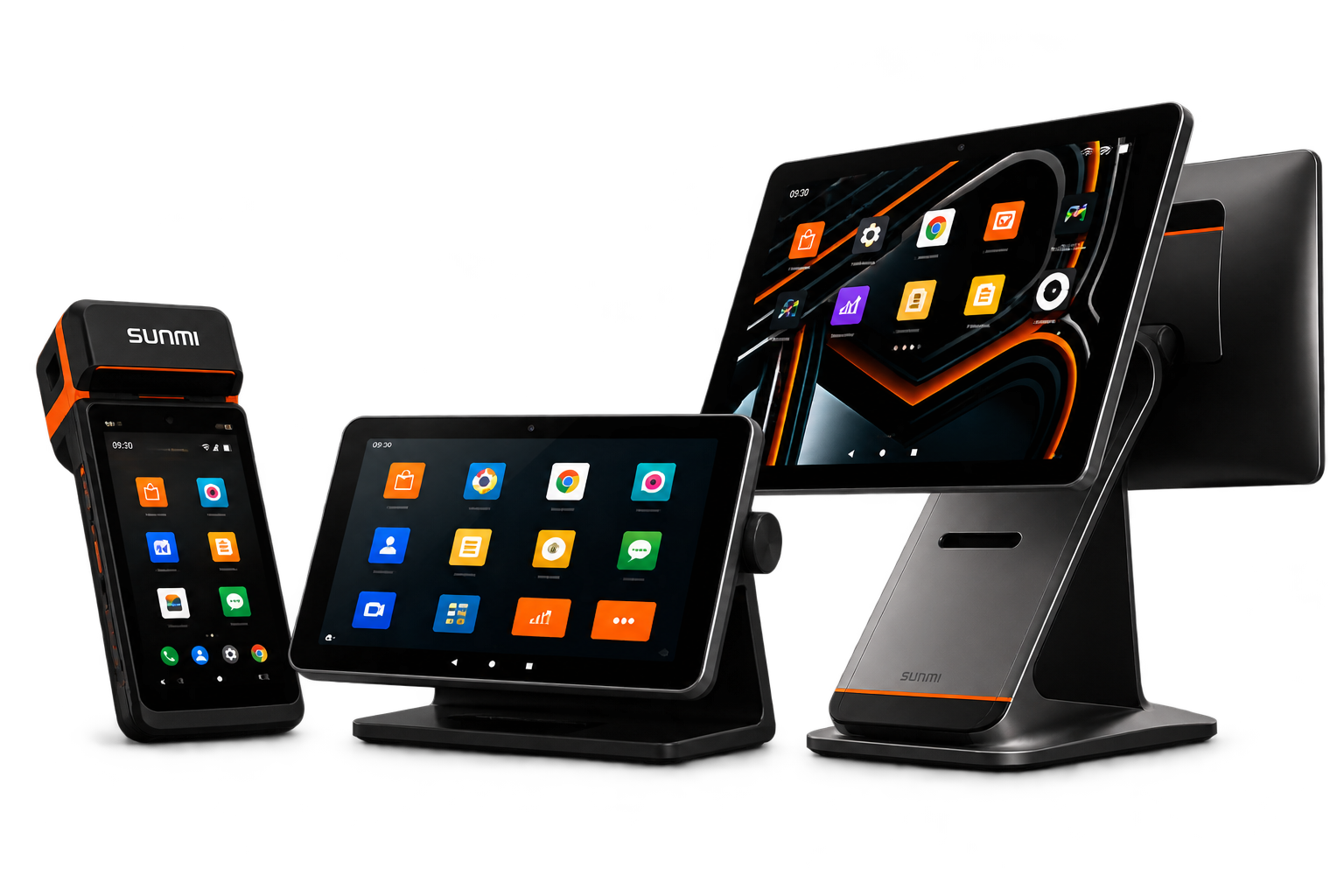
Product demonstration & managed SUNMI devices
For organizations evaluating MyTurn software or deployment on SUNMI P3H, CPad PAY 11 and T3 hardware.
Open product form MyTurn ConnectBusiness forms
Business information only
MyTurn ConnectBusiness forms
Business information only
MyTurn business requests
Each form opens in Google Forms and sends the response to MyTurn's private Google Workspace for review.
Use business contact details only. Do not enter patient names, diagnoses, prescriptions, laboratory results, medical records, passwords or payment-card data.
For organizations evaluating MyTurn software or deployment on SUNMI P3H, CPad PAY 11 and T3 hardware.
Open product formFor GS1 onboarding, serialization, aggregation, EPCIS 2.0 workflows, GS1 DataMatrix and GS1-128 SSCC printing.
Open GS1 formFor manufacturers, MAHs and suppliers discussing direct supply, Nigerian representation, cold chain and regulated distribution.
Open partnership formYour business request enters a private MyTurn response sheet.
The appropriate MyTurn team reviews the request.
When required, MyTurn issues case-specific secure upload and e-signature instructions. Never email confidential documents in response to the public form.